
Upload a saved topology
Choose Upload MAP on Home to open /pro/uploadMap. Use this page to explore a saved experiment without running its containers.
Load the experiment
- Obtain the emulator-generated docker-compose.yml from the experiment owner.
- Drag it onto the upload area, or choose it using the file picker.
- Click Parse file and wait for rendering to complete.
- Open Settings ? Categories and choose IX or Transit.
- Set the desired names or number of groups, then inspect the diagram.
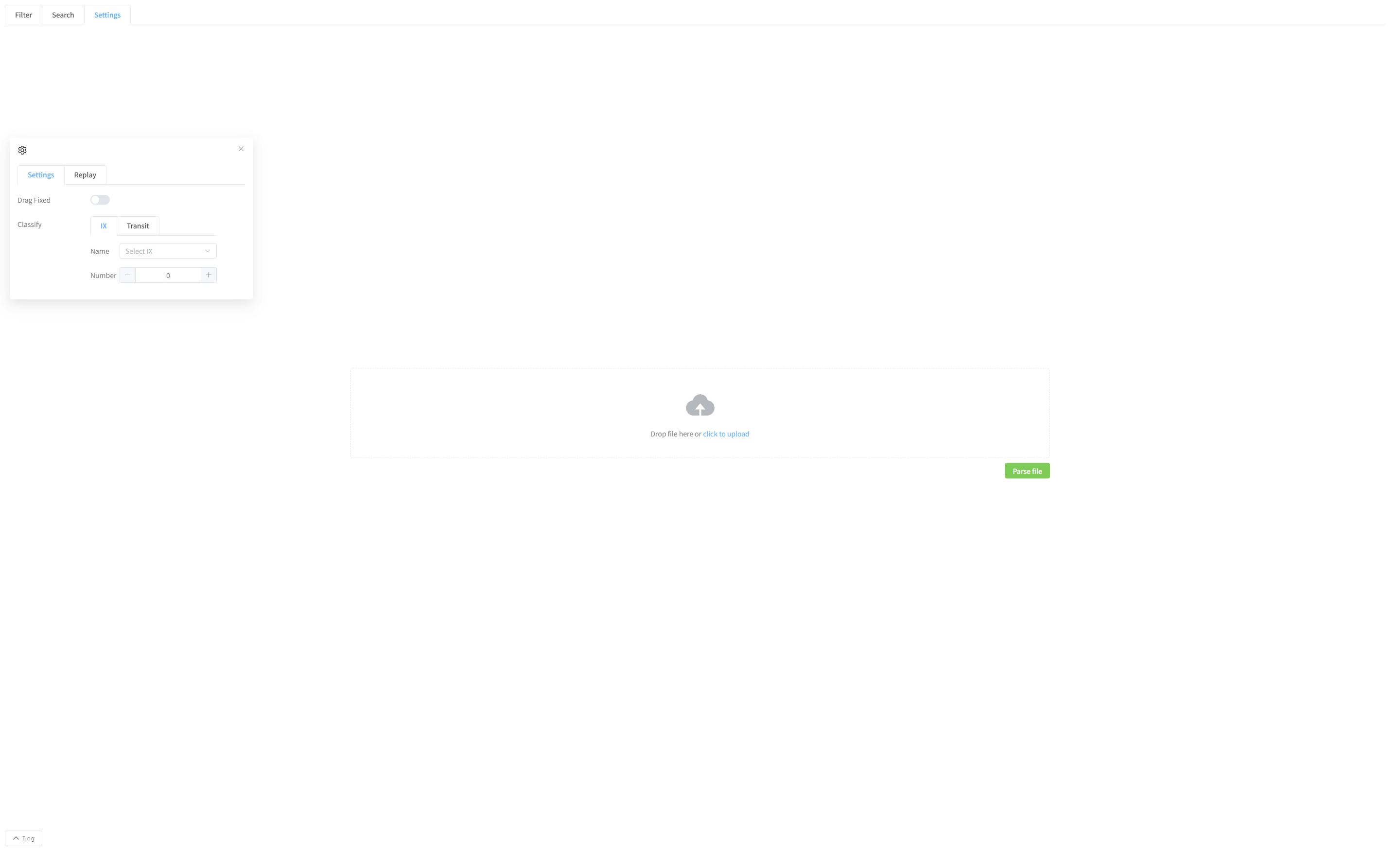
Available tasks
You can inspect the network structure, search for nodes, adjust the layout, and choose the IX or transit groups to display. Use Search and settings, IX selection, and Transit selection for the corresponding controls.
An uploaded file does not start an experiment. Filter, live terminal access, and actions requiring running nodes are unavailable. This Topology upload page does not provide the Geographic JSON / PCAP replay workflow; use the shared Geographic traffic replay guide for both 2D and 3D views.
If nothing appears
Check that parsing finished, that you selected display categories, and that the file is an emulator export rather than a general Compose file. Ask the experiment owner for a complete export if parsing reports an error.