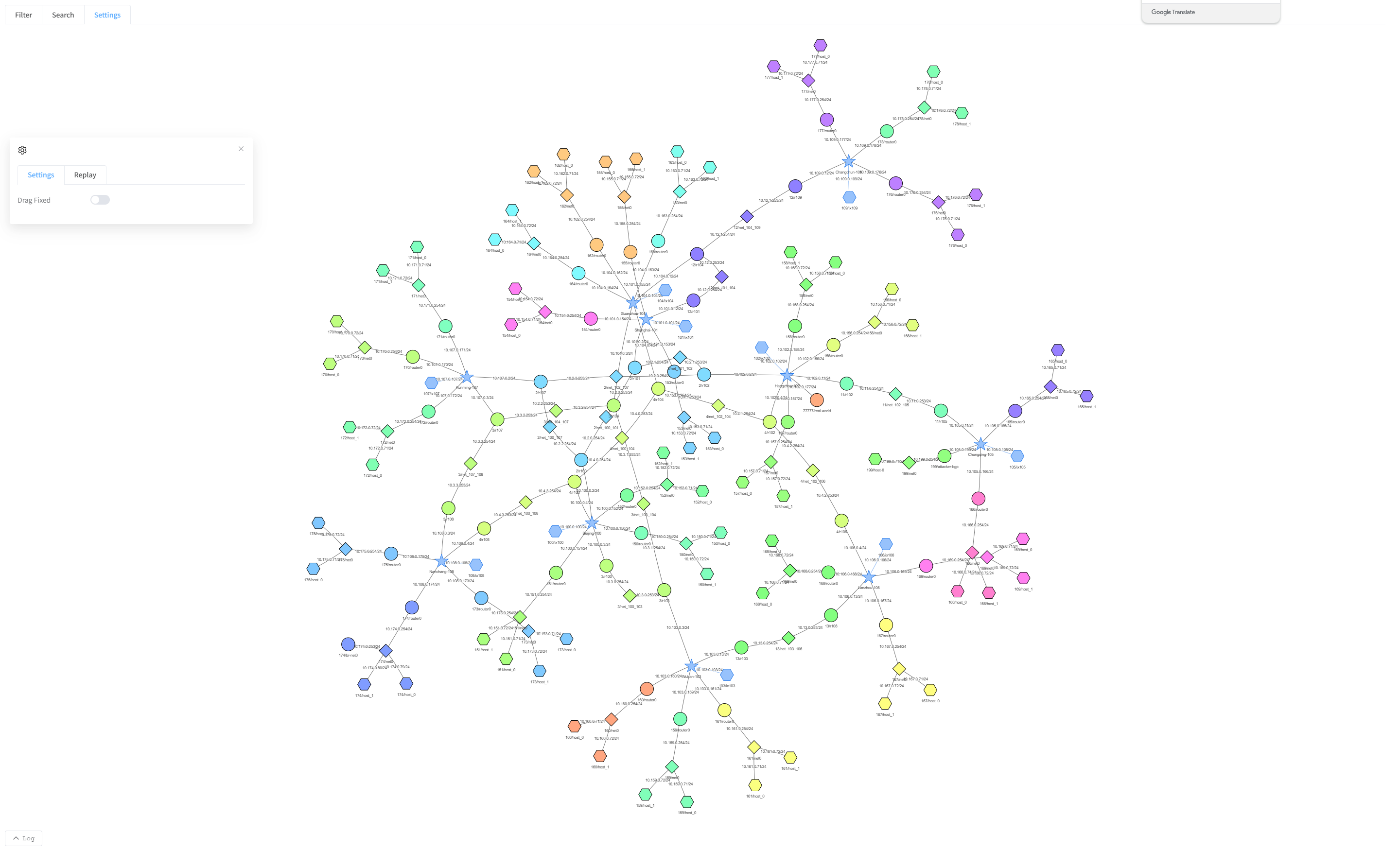
Internet Map User Manual
InternetMap-Geographic 3D
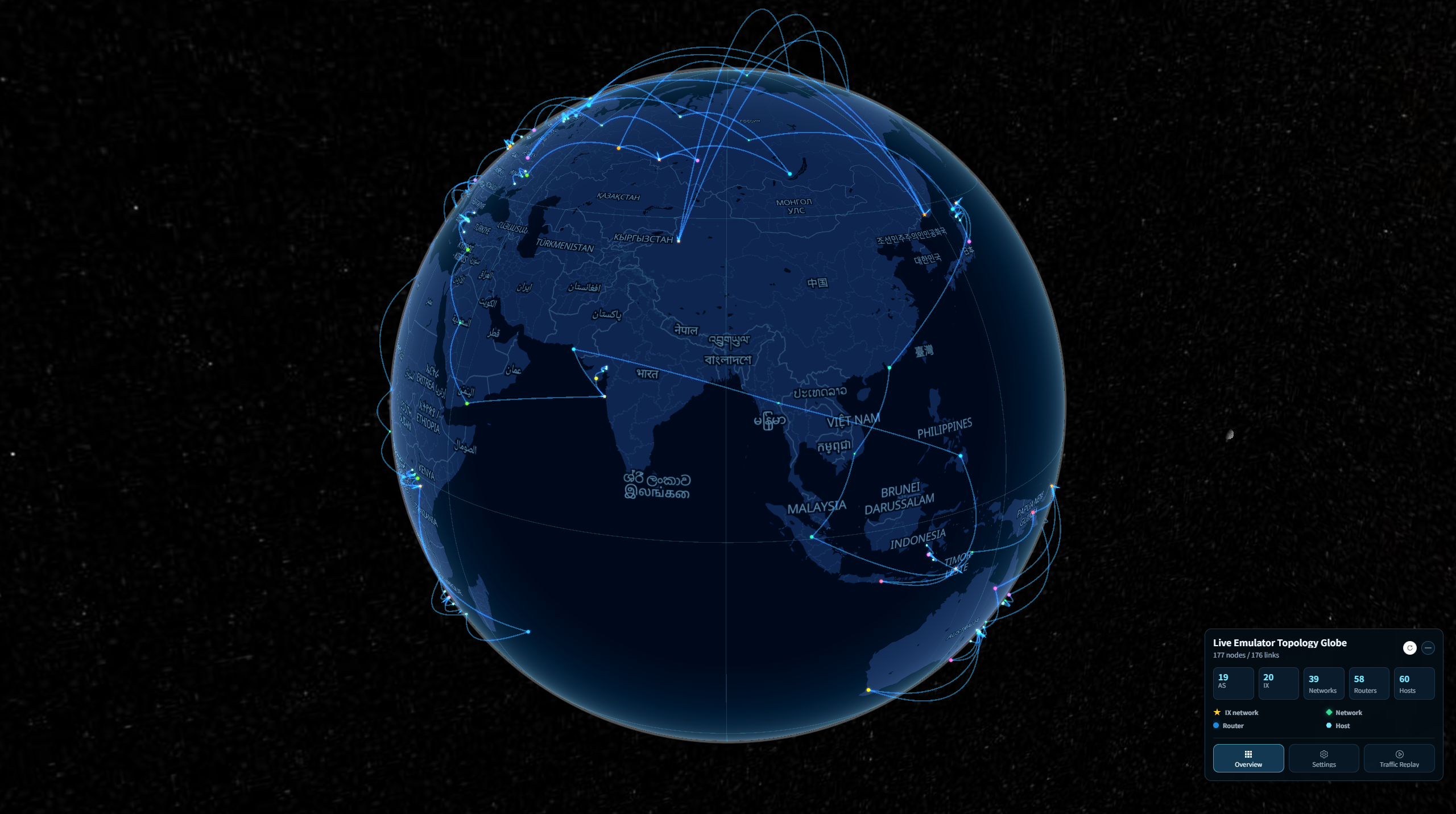
InternetMap-Geographic 3D displays an emulated network on an interactive globe. Rotate and zoom the globe to explore the geographic distribution of nodes and connections between regions. The view supports live and uploaded topologies, node search, filtering, and traffic replay.
InternetMap-Geographic 2D
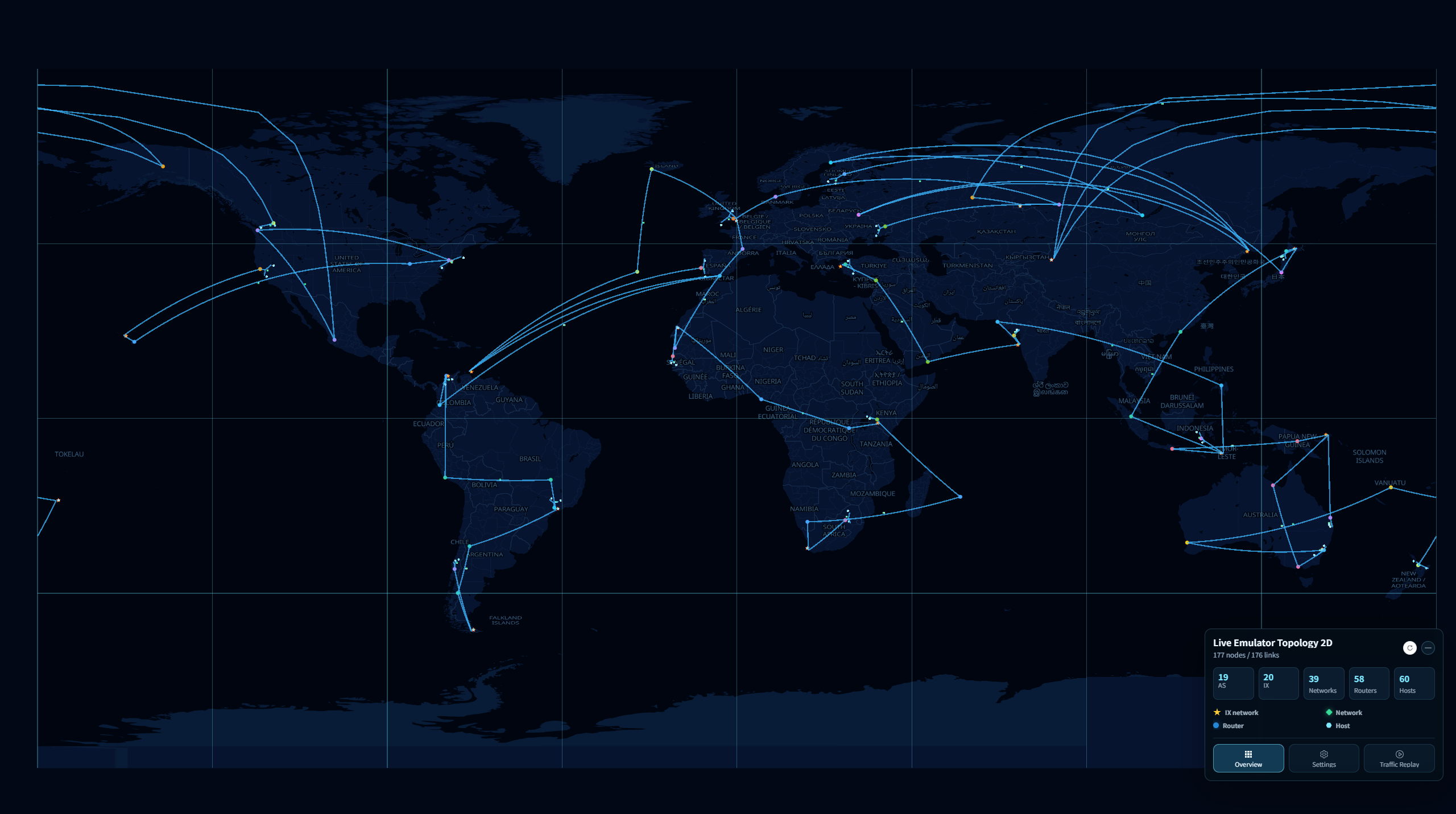
InternetMap-Geographic 2D displays an emulated network on a flat world map. It helps you compare regions, locate hosts and routers, and follow connections across the network. You can explore a running experiment or upload a saved topology, filter nodes, and inspect packet activity.
InternetMap-Toplogy
InternetMap-Toplogy presents an emulated network as a connectivity diagram. It helps you understand relationships between hosts, routers, Internet exchanges, and transit networks. You can explore different levels of detail, search for nodes, inspect live packet activity, or upload a saved topology for offline viewing.