
Explore the transit view
Choose TRANSIT MAP on Home to open /pro/transitMap. This view starts at the transit level and omits deeper host detail initially. It is useful when comparing the networks connecting exchanges.
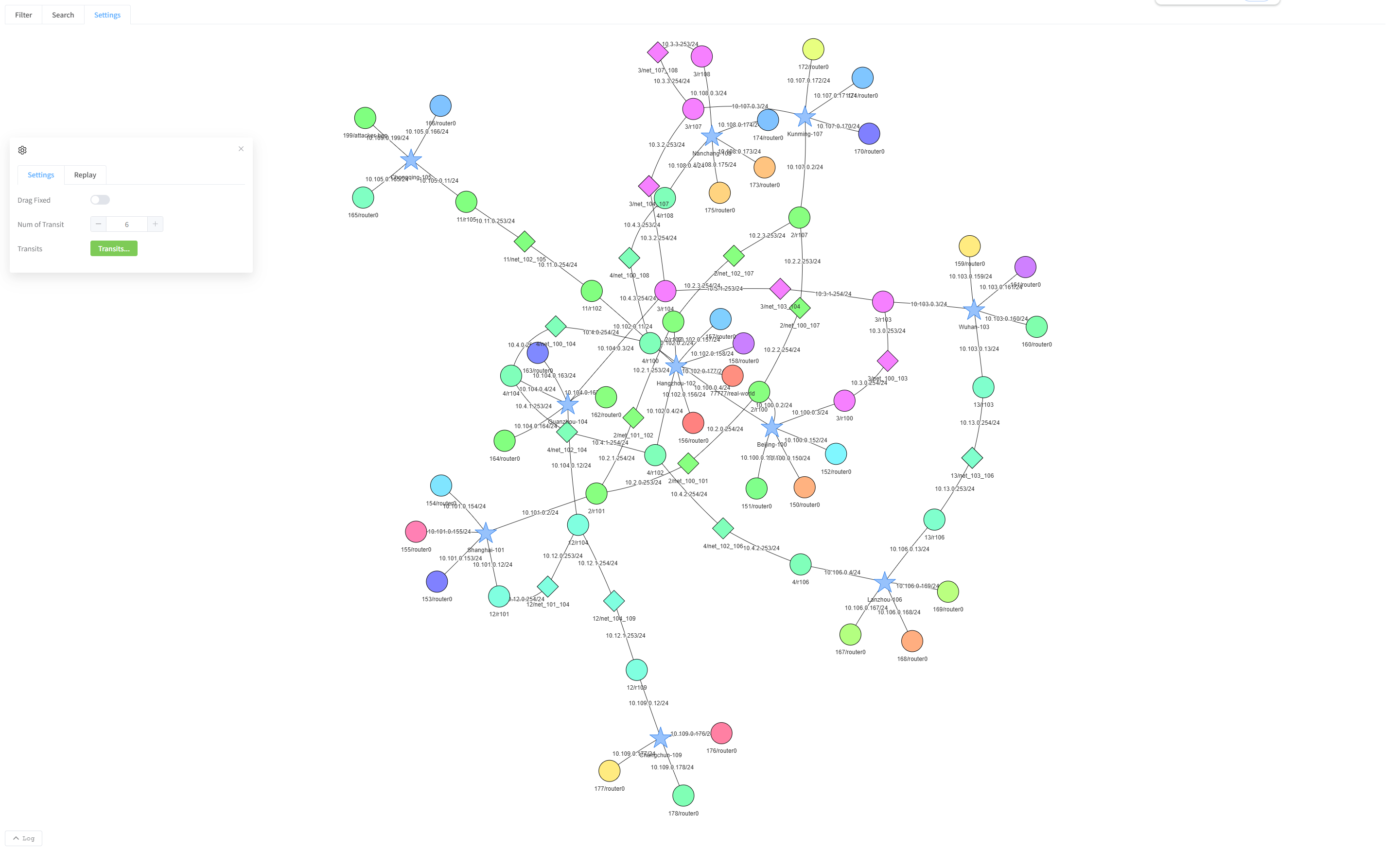
Choose the initial scope
If prompted to display all nodes, choose Yes for the full initial view or No to select groups through Settings ? Categories.
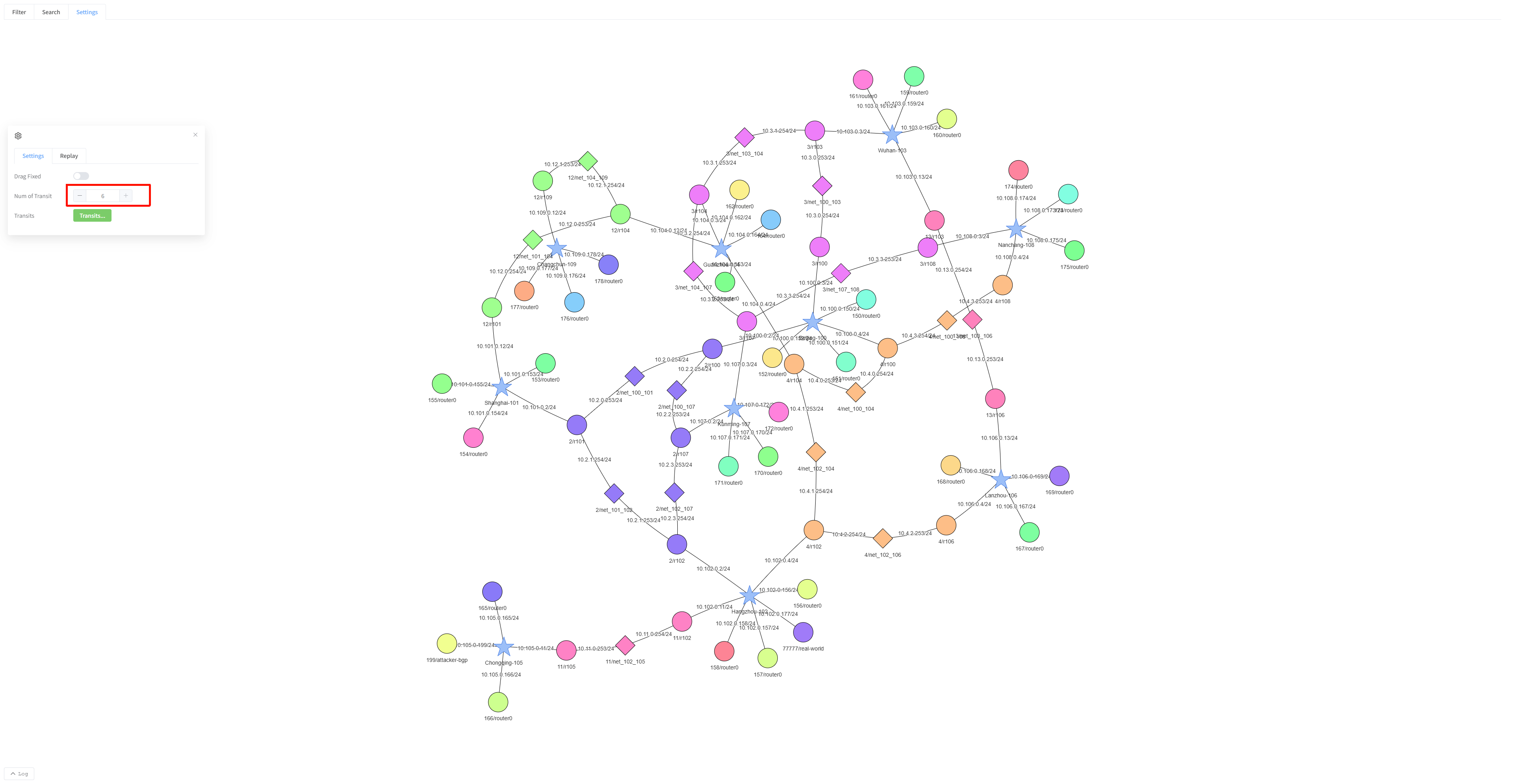
Limit the number of transit networks
- Open Settings and change Num of Transit.
- Click outside the number field.
- Wait for the diagram to redraw.
More highly connected transit groups take priority. A count limit does not select a particular ASN; use the name selector for that.
Choose by ASN
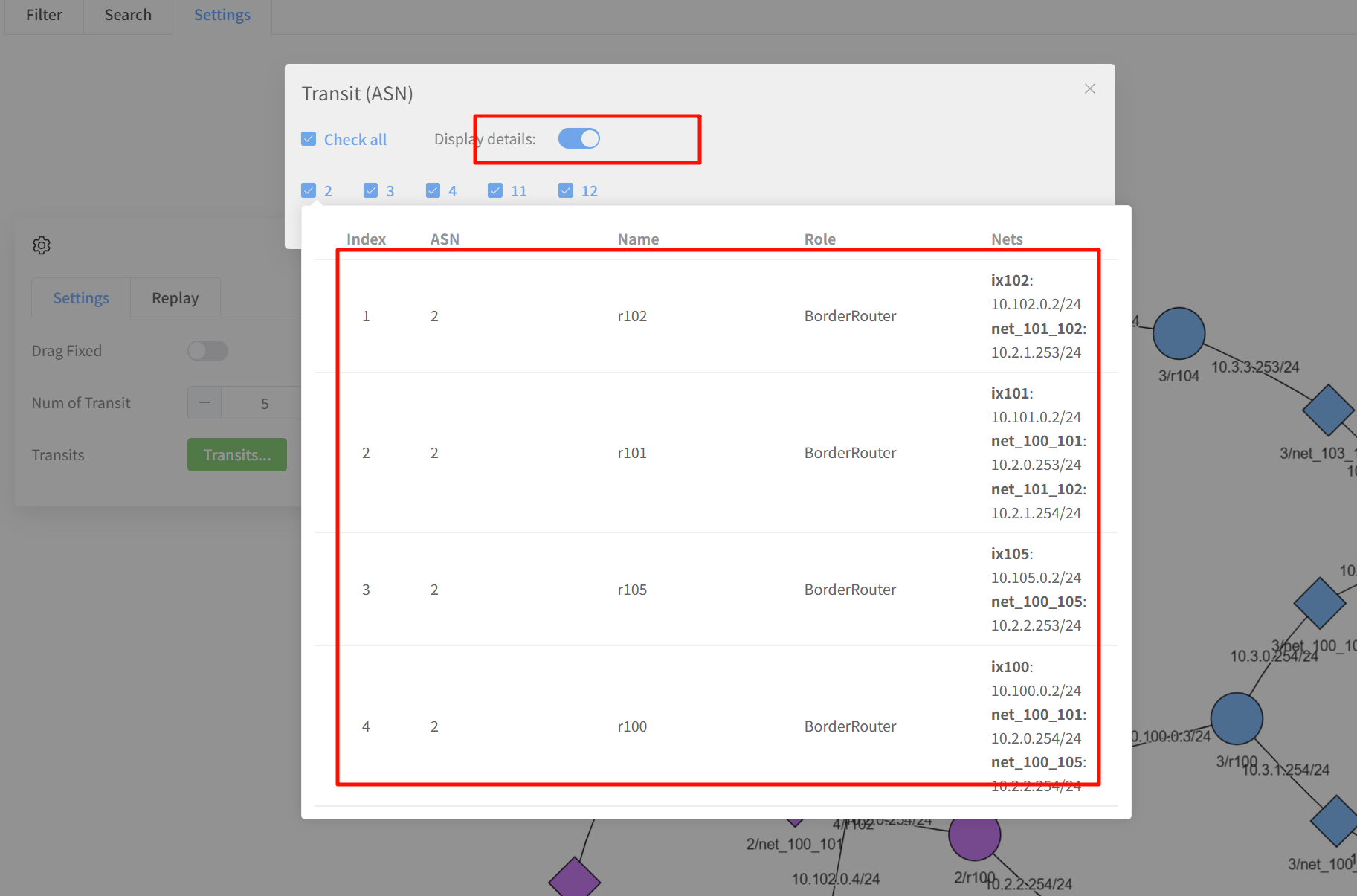
- Click the Transits… / Transit selection button in Settings.
- Select the ASNs you want to inspect.
- Enable Display details if you want details while hovering over an ASN.
- Click Confirm and wait for the diagram to update.
- Reopen the selector to change or broaden the selection.
Filtering the diagram does not disable unselected transit networks. To inspect deeper nodes, expand them or switch to MAP. Use Search when you know an endpoint’s name or address.