
Node details and actions in 3D
Use node details to identify an endpoint before acting on it. Static details work on live and uploaded pages; runtime actions are available only for running nodes on /pro/map/3d.
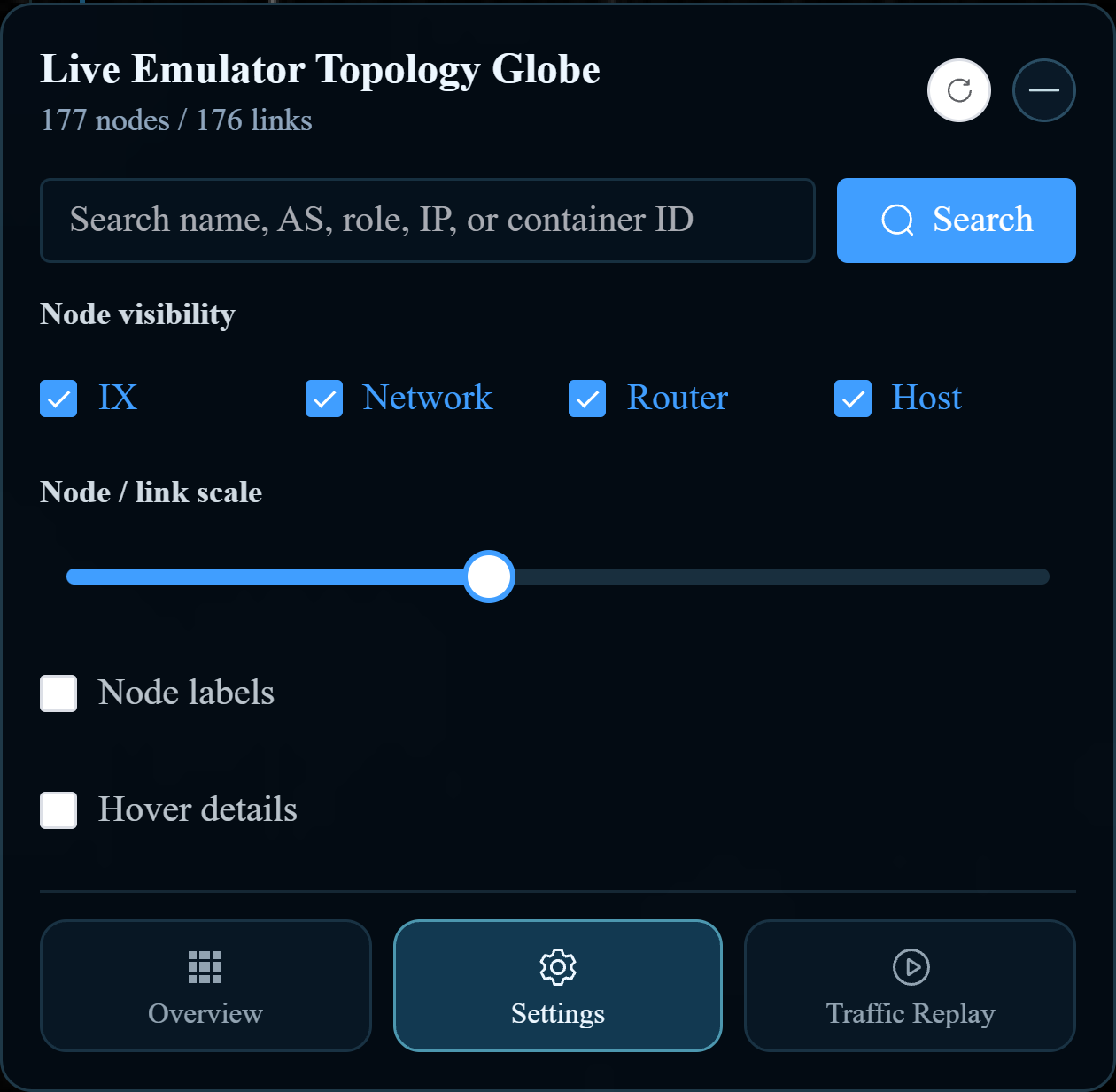
This image shows the setting used to open node details, rather than the details card itself.
Inspect a node
- Open Settings and enable Hover details.
- Search for the node if necessary.
- Hover over it and read its name, role, AS number, and IP addresses.
- On a live page, inspect the Actions section and, for supported routing nodes, BGP sessions.
Use runtime actions
| Task | Procedure | Expected result |
|---|---|---|
| Open a terminal | Use the console action in Actions. | A terminal window opens inside the page for that container. |
| Disconnect a node | Verify its identity, then use Disconnect. | The running node’s network connectivity changes. |
| Restore connectivity | Use the re-connect action. | The node is reconnected. |
| Update runtime details | Use the runtime refresh action. | The card reloads the node’s current information. |
| Change a BGP peer | Find the peer in BGP sessions and choose Disable or Enable. | The selected peer’s state is changed; refresh to inspect the result. |
Connection and BGP changes affect the running experiment and can interrupt traffic. Use them as part of your lab procedure and restore the previous state when that procedure requires it.
When an action is missing
Uploaded nodes have static information only. A host does not have router BGP controls, and a routing node may have no configured peers. Console availability also depends on the lab configuration. Ask your administrator if an expected live action is unavailable; selecting another display mode does not grant additional access.